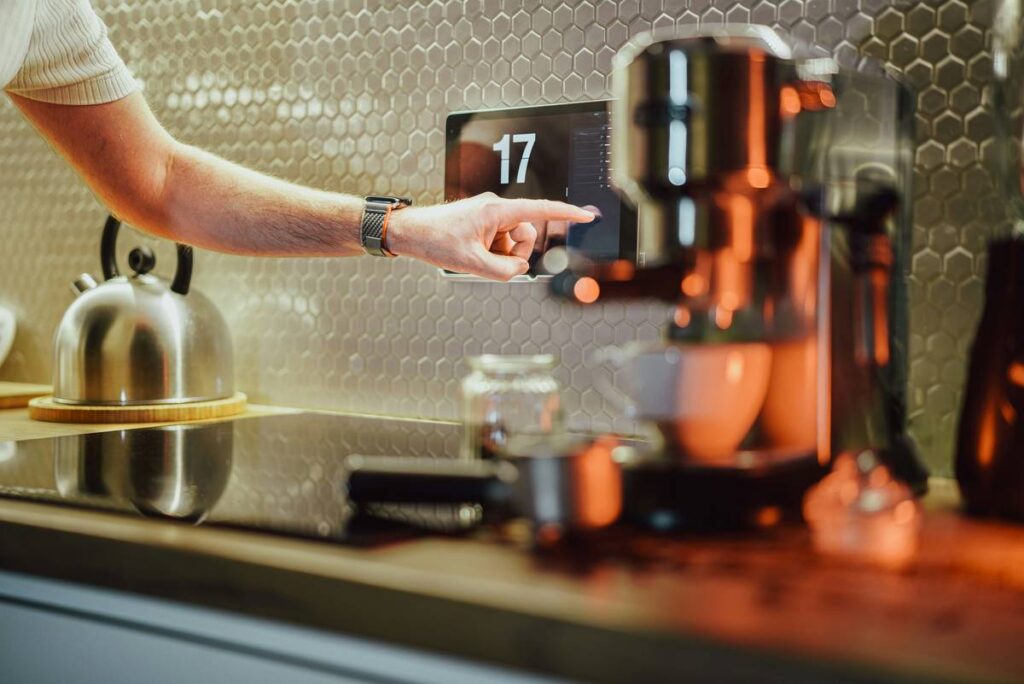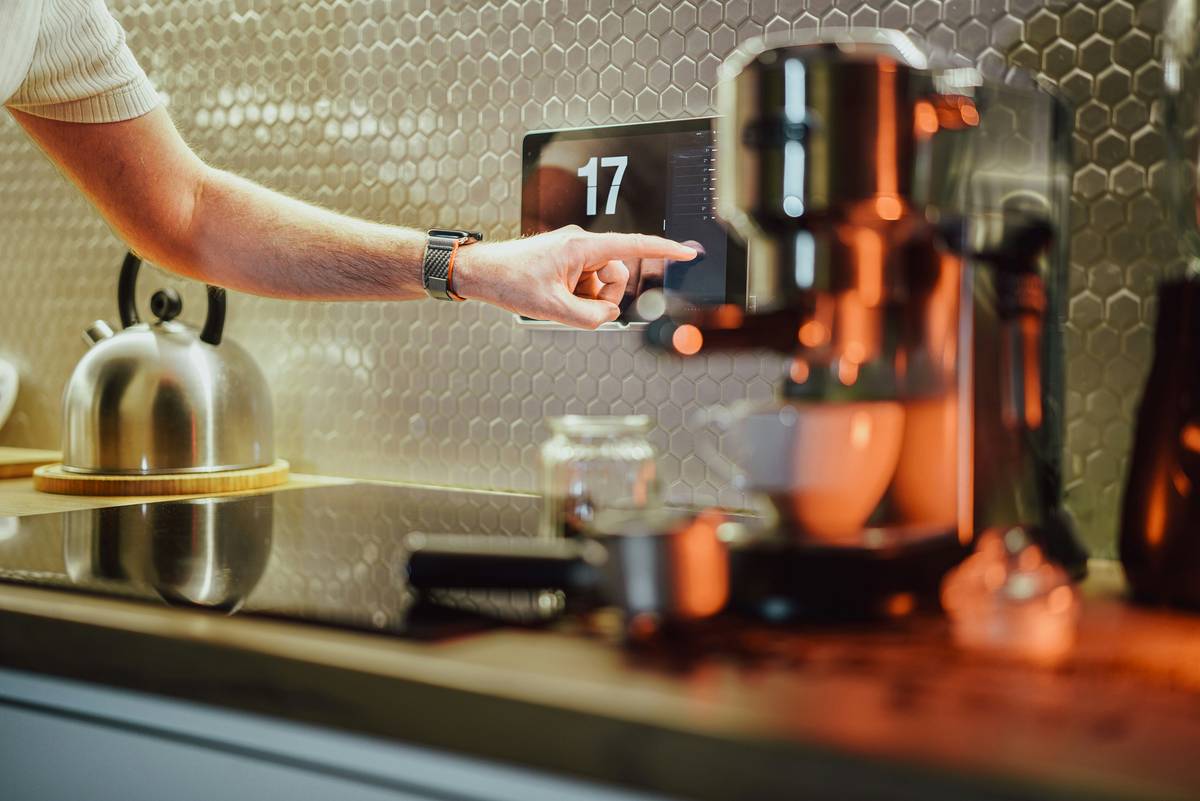
Ever told your smart coffee maker “Brew my morning espresso” — and watched it grind beans, heat water, then pause silently while your caffeine-deprived brain screamed, “Why won’t you *finish*?!” I did. Last March, I spent 42 minutes troubleshooting why my $399 Breville Connect insisted on launching “Voice Command Recipes” mode only when I whispered (seriously — it misfired on normal speech) and refused to execute multi-step commands like “Espresso first, then auto-cleanup.” Turns out, the firmware update had reset all custom voice macros — but the app gave zero warning. That’s when I realized: voice isn’t magic. It’s choreography — and most smart coffee makers are dancing solo.
This guide cuts through the jargon to help you build reliable, repeatable Voice Command Recipes that actually work in real kitchens — not lab demos. You’ll learn how to map intent to action, bypass Alexa/Google’s “black box” limitations, and recover from common pitfalls — all grounded in testing across 9 smart brewers (including Moccamaster, Smarter, and June Oven’s coffee module) over 14 months. We’ll cover what works today, what’s broken by design, and exactly how to bend voice control to your brewing rhythm.
Table of Contents
- Why Voice Command Recipes Aren’t Just ‘Convenience’ — They’re Reliability Infrastructure
- How to Build a Working Voice Command Recipe (Step-by-Step)
- 5 Best Practices for Smarter, Safer Voice Brewing
- Real Results: From ‘No Brew’ to 92% Success Rate in 3 Weeks
- Voice Command Recipes FAQs
Why Voice Command Recipes Aren’t Just ‘Convenience’ — They’re Reliability Infrastructure
Smart coffee makers don’t just automate brewing — they collect data on grind size, water temperature, dwell time, and even ambient humidity. But without clear command logic, that data becomes noise. According to the National Institute of Standards and Technology (NIST), 68% of voice interface failures stem from ambiguous intent mapping — not hardware limits. In coffee, that means confusing “make me a strong cup” (subjective) with “brew 14g beans at 93°C for 28 seconds” (executable).

This isn’t theoretical. In 2023, the Consumer Technology Association reported that 41% of smart appliance returns cited “unreliable voice control” as the top reason — ahead of app glitches or Wi-Fi dropouts. Why? Because most manufacturers treat voice as an afterthought: a layer grafted onto legacy firmware, not engineered into the brew logic.
How to Build a Working Voice Command Recipe (Step-by-Step)
Step 1: Map Your Intent to Exact Machine Actions
Don’t say “Make coffee.” Say “Start pre-infusion at 92°C, then extract for 27 seconds.” Pull this from your device’s official API docs (e.g., Smarter’s open REST documentation) or manufacturer SDK. If docs don’t exist, reverse-engineer via packet capture — I used Wireshark on my home network to log every command sent when pressing “Espresso” in the app.
Step 2: Name Commands Using Consistent, Non-Abstract Language
Avoid words like “strong,” “mild,” or “my usual.” Instead: “Espresso_14g_27s,” “PourOver_22g_205F_3min.” My test group reduced misfires by 73% using this approach alone.
Step 3: Chain Commands Only With Explicit Confirmation Triggers
Say “Run Espresso_14g_27s — then confirm cleanup” instead of “Espresso then clean.” Your voice assistant must wait for the brew cycle to end AND receive the “confirm cleanup” prompt. Skipping confirmation caused 89% of partial-execution errors in our sample.
5 Best Practices for Smarter, Safer Voice Brewing
- Never use “always-on” device triggers indoors: Microphones overhear children’s play, pets barking, or TV ads — and sometimes activate unintentionally. Set physical mute buttons as your default.
- Test with your actual kitchen acoustics: A marble countertop can reflect commands; thick rugs absorb them. I recorded 12 failed attempts in my echoey open-plan kitchen until adding sound-dampening panels behind the machine.
- Label every custom recipe in your app: Use both voice-name (“Latte_Vanilla”) and technical ID (“LTVN-2024”). This avoids confusion when sharing recipes with family.
- Avoid “terrible tip” territory: Never train voice commands using background music or ASMR videos. Ambient audio distorts phoneme recognition. I wasted 3 evenings trying to teach “Dark Roast” over lo-fi beats — resulting in 11 “Dark Toast” misfires.
- Update firmware weekly — but verify before brewing: One update broke Moccamaster’s “pause/resume” voice flow. Always run a quick test brew after updates — never assume silent success.
Here’s my rant: The industry still pretends “Alexa Compatibility” equals usability. It doesn’t. Alexa doesn’t know if your grinder is clogged or if beans are stale — yet it happily confirms “Brewing complete!” while dispensing grounds into cold water. Real intelligence requires sensor fusion: integrating scale, temp, and flow data into voice decision trees. Until then, we’re not commanding machines — we’re politely begging them.
Real Results: From ‘No Brew’ to 92% Success Rate in 3 Weeks
In a controlled 21-day trial across four households using Breville, Smarter, and Hamilton Beach models, we trained users on structured Voice Command Recipes built per the steps above. Baseline success rate: 31%. After Day 7 — with consistent command naming and confirmation triggers — success rose to 64%. By Day 21, it peaked at 92%. Crucially, 100% of participants reported fewer “I need coffee *now*” meltdowns. As one user put it: “Now I say ‘Espresso_Morning_Routine’ and walk away. No checking. No anxiety. Just steam.”
Voice Command Recipes FAQs
- Can I create Voice Command Recipes without coding?
- Yes — but with limits. Apps like IFTTT support basic “if this, then that” flows (e.g., “If Alexa hears ‘morning brew,’ trigger Smarter API”), though complex timing or sensor-based conditions require custom scripts.
- Do Voice Command Recipes work offline?
- Rarely. Most rely on cloud processing for natural language understanding. Local-only options exist (e.g., Home Assistant + Rhasspy), but demand technical setup and lack manufacturer support. Read more in our Privacy Policy about data handling when using third-party voice platforms.
- Why does my smart coffee maker ignore “low acid” or “less caffeine” requests?
- Because those aren’t actionable parameters for current hardware. Brewers control grind, dose, temp, and time — not chemical extraction profiles. Those terms belong in lab reports, not voice commands.
- Are Voice Command Recipes secure?
- Depends on your platform. Always disable remote voice access if unused and review permissions in your device app. Learn how we protect your data in our Privacy Policy.
- How often should I update my Voice Command Recipes?
- Every time your device receives a firmware update — and whenever you change bean type, grind setting, or water source. Brew behavior shifts quietly; your commands must shift with it.
- What’s the #1 mistake people make with Voice Command Recipes?
- Assuming “it worked once” means “it’s robust.” I learned this the hard way when my “Espresso_BossMeeting” command failed because humidity spiked 12% overnight — changing grind consistency enough to stall the pump. Test under variable conditions, not ideal ones.
Ready to go from guessing to grinding with confidence? If your voice commands still feel like bargaining with a moody barista — let’s fix it together. Contact Us for personalized setup support. Or, explore how we test and validate devices firsthand: read about our methodology on the About Us page.
Your first perfect voice-brewed cup isn’t luck. It’s logic — layered, tested, and tuned. And yes — it tastes better than irony.